

LLMEasy.
When to use this
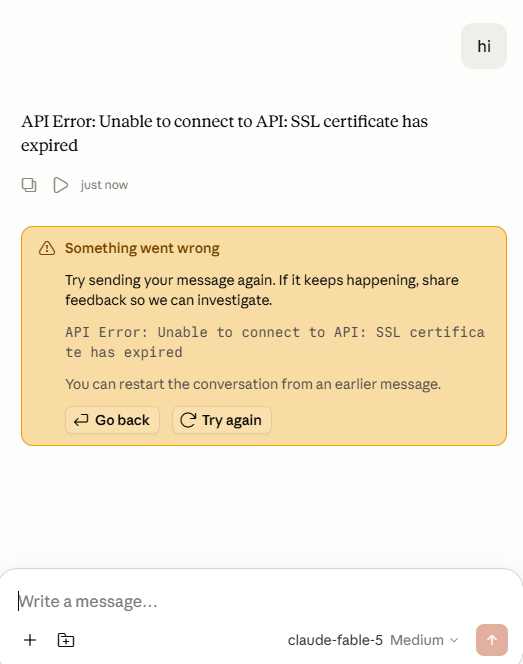
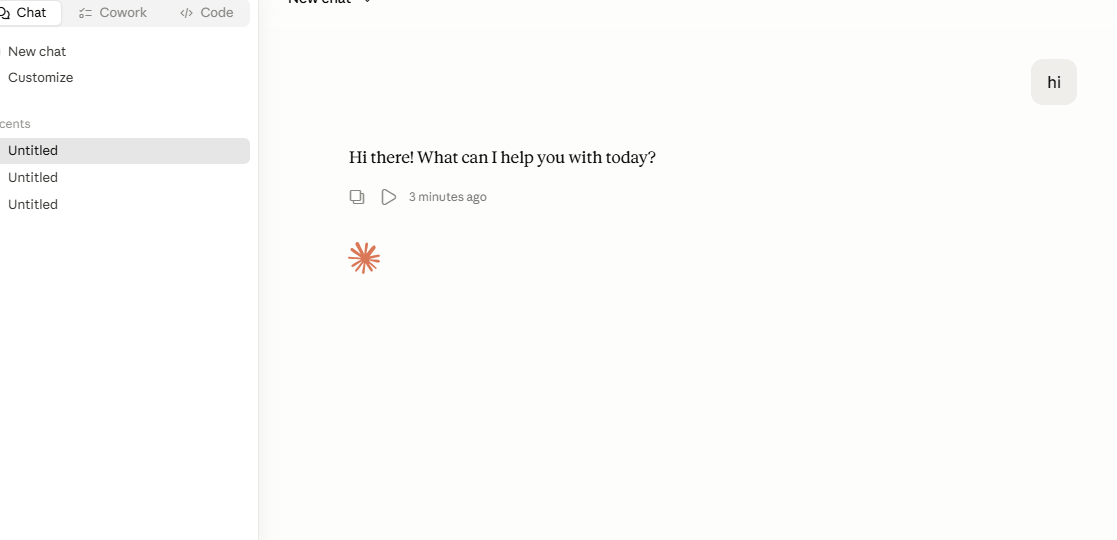
- Claude Desktop is connected to the API, but messages do not return a response.
- The page shows
SSL certificate has expired. - The Chat page appears to start responding, but stays in a loading state.
- You are using a proxy network, restricted network, company network, or certificate inspection environment.
- The same API Key works in other tools.
Fix
Confirm the CC Switch provider is active
Open CC Switch, confirm that your 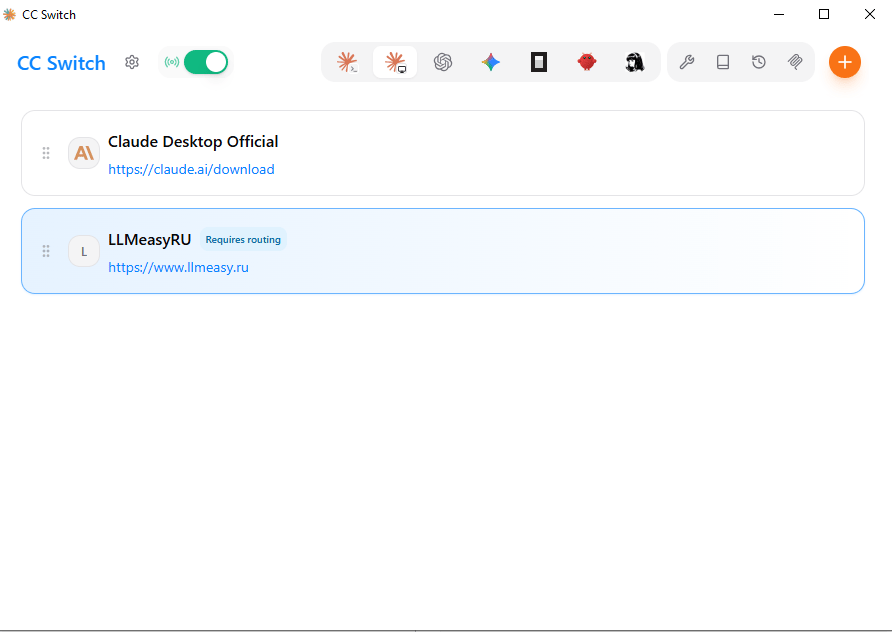
LLMEasy provider is selected, and enable the top routing / proxy toggle.Enable Needs model mapping
Open the provider edit page and enable Needs model mapping.This lets CC Switch map the three model roles accepted by Claude Desktop to the actual models available in 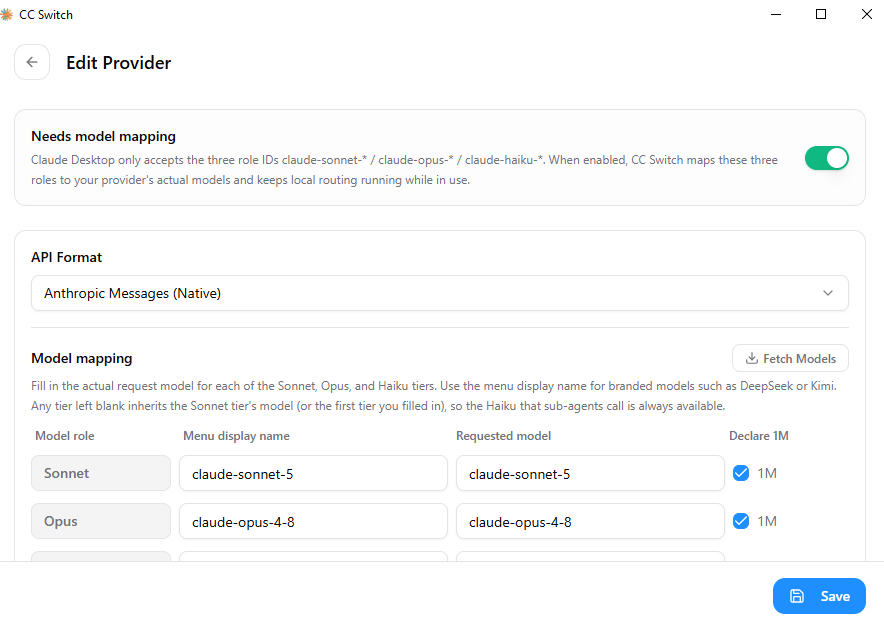
LLMEasy:claude-sonnet-*claude-opus-*claude-haiku-*
Fill in Model mapping
Fill in Model mapping. Use the currently available model IDs from the model plaza.
If the model supports a 1M context window, enable Declare 1M.
| Model role | Menu display name | Requested model |
|---|---|---|
| Sonnet | claude-sonnet-5 | claude-sonnet-5 |
| Opus | claude-opus-4-8 | claude-opus-4-8 |
| Haiku | claude-haiku-4-5 | claude-haiku-4-5-20251001 |
Notes
- Do not copy model names from old screenshots blindly. Use the currently available model IDs from the model plaza.
- Store the API Key in the CC Switch provider. Do not put it in public docs, screenshots, or chat logs.
- If it still fails, check the top CC Switch routing toggle, active provider, complete Model mapping, and whether a local firewall blocks
127.0.0.1.